


I have worked in website accessibility for years, helping businesses spot real usability issues that frustrate actual users. Recently, I have tested dozens of dropshipping stores across different platforms, themes, and product categories.
One thing became clear very quickly: dropshipping stores face a unique set of challenges. It isn’t because store owners don’t care. It is because the business model relies on speed, automation, and rapid changes. When you are moving that fast, accessibility often gets pushed to the side without anyone realizing the cost.
This guide is for you if you run a dropshipping business. It will help you get back on track, remove the barriers that hurt your conversion rates, and align your store with the guidelines that matter for modern ecommerce.
TL;DR
Accessibility in dropshipping often gets overlooked due to the fast-paced nature of the business. This guide will help you identify and fix accessibility issues, improve conversion rates, and align your store with essential ecommerce standards.
Why Speed Can Hurt Sales
Dropshipping stores are built to move fast. You import products from suppliers, install a theme in minutes, and add apps to boost your average order value. Let’s be real—checking for accessibility usually isn’t on the launch to-do list.
The problem is that accessibility issues don’t just affect a tiny group of people. They affect keyboard users, mobile shoppers, people with low vision, and anyone browsing in difficult conditions like bright sunlight. These users rely on a clear structure and predictable interactions.
When these users hit a wall, they don’t send a support ticket to complain. They just leave. Accessibility testing helps you find the exact spots where your store blocks people from giving you their money.
That “Perfect” Theme Might Be Hiding Flaws
Most dropshipping companies launch with pre-built themes that promise high conversions and mobile readiness. Most owners assume accessibility is built-in.
In practice, many themes ship with poor heading structures, missing landmarks, and interactive elements that don’t use the right code. Visually, everything looks great. But from a usability standpoint, assistive technologies struggle to read the page.
Testing at the theme level is essential. If the foundation is broken, every single product page you build on top of it will inherit those same problems.
Product Pages: Where the Friction Starts
Product pages are where accessibility problems start to hit your revenue directly.
Supplier images and different Video Formats often come in without meaningful alt text. Sometimes they have generic descriptions that add zero value. For users who rely on screen readers, this makes it impossible to understand what you’re actually selling.
Product variations add another layer of trouble. Size selectors, color swatches, and custom dropdowns are frequently built just for mouse clicks. Keyboard users often cannot select an option, and screen readers get no feedback when a selection changes.
Accessibility testing focuses on whether users can actually use these elements, not just see them.
The Keyboard Test: Can You Navigate Without a Mouse?
One of the fastest ways to find serious issues is to try navigating your store using only your keyboard. This type of testing exposes failures that are invisible during a visual check but immediately block users who rely on predictable navigation.
In dropshipping stores, keyboard testing often reveals these conversion killers:
- Focus traps: Getting stuck inside navigation menus or mega menus with no way out.
- Skipped actions: The “tab” key skips right over important buttons like “Add to Cart” or “Checkout.”
- Lost focus: The cursor disappears when cart drawers, popups, or discount modals open.
- Sticky overlays: Popups that you cannot close without a mouse.
- Navigation fatigue: Users are forced to tab through dozens of irrelevant links before they can reach the “Buy” button.
These issues are rarely caught during standard design reviews, yet they make the store unusable for people ready to buy. If users cannot move through the page in a way that makes sense, they will abandon their cart.
The Checkout Challenge
Checkout is the most critical area to test, and unfortunately, it is one of the most commonly broken.
I frequently see form fields without clear labels, error messages that aren’t announced aloud to screen readers, and focus that jumps to random places after a form is submitted.
From a business perspective, this is where accessibility matters most. Users at checkout have already decided to purchase. If they cannot understand why their card was declined or how to fix an address error, that sale is lost. Testing ensures your checkout works for every user, not just those using a mouse.
Mobile Traffic Needs Mobile Accessibility
Many store owners assume that if a site looks okay on a phone, it is accessible. That assumption falls apart during testing.
Since most dropshipping traffic comes from mobile devices, mobile accessibility is vital. Common issues include touch targets that are too small for fingers, zoom features that don’t work, content hidden behind chat bubbles, and elements that become unreachable when screen readers are active.
When Apps Break Your Store
Upsell tools, review widgets, chat systems, countdown timers, and exit-intent popups are the engine of many dropshipping strategies.
Sadly, many of these tools introduce major accessibility issues the moment you install them. They can break focus management, ruin keyboard navigation, and fail to announce dynamic content to assistive technologies.
Even stores that start with a solid foundation often lose accessibility as they add more apps. Your testing must include how these third-party tools behave, not just your core pages.
Using an Accessibility Checker to Get Visibility Fast
For dropshipping stores, speed matters. When issues block users from buying, you need to see them quickly. That’s where an automated accessibility checker becomes a key solution.
A tool like the Tabnav accessibility checker does more than scan code. During testing, it simulates real user interaction on your live website, including keyboard navigation and common shopping flows.
This simulation is critical. Many accessibility issues only appear when a user actually tries to interact with the page. Keyboard users getting stuck in menus, focus skipping purchase buttons, or form errors not being announced are problems that directly affect conversions.
The checker collects these accessibility failures, aligns them with accessibility guidelines, and delivers a clear, structured report. Instead of guessing what matters, store owners can see exactly where users are blocked and why.
An accessibility checker does not replace manual testing, but it gives dropshipping stores fast visibility, clear priorities, and fewer blind spots as the store evolves.
Better Access Means Better SEO
Testing your site for accessibility doesn’t just improve usability. It also helps search engines and AI systems understand your store better.
Clear headings, proper labels, and logical structures help crawlers interpret your pages accurately. When you fix accessibility issues, your content becomes easier to parse and index.
For SEO dropshipping websites in competitive markets, this is a significant advantage. A well-structured site enhances discoverability and improves product understanding on search platforms. Accessibility also reflects strong technical quality, boosting your SEO performance.
More Than Just Good Looks
A huge misconception is that accessibility is only about colors and font sizes. In reality, it is about structure, interaction, feedback, and clarity.
A visually polished store can still be completely unusable if users cannot navigate it, select products, or recover from errors. Accessibility testing focuses on how the store behaves, not just how it looks.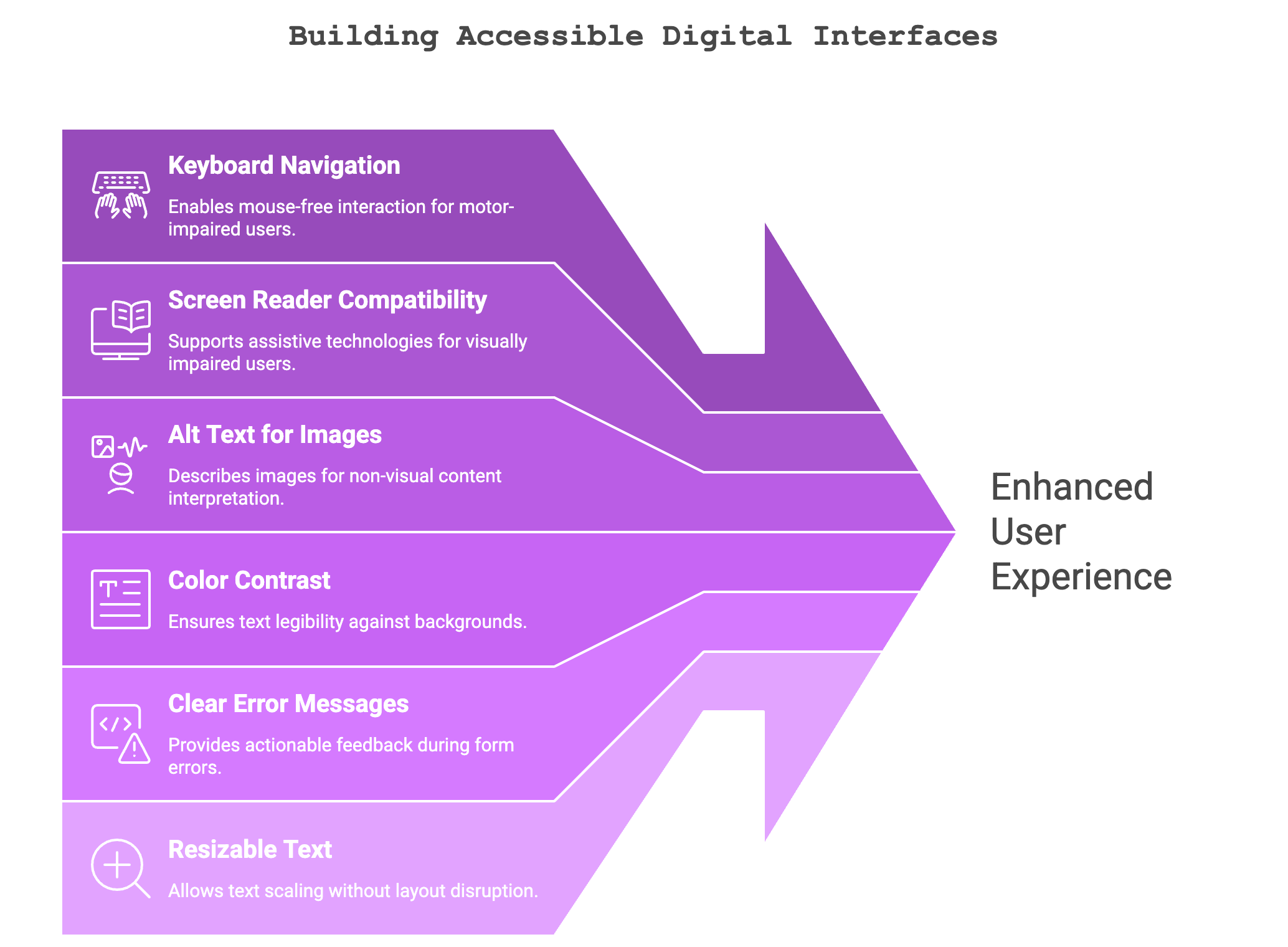
Getting Back on Track
If your dropshipping store has never gone through accessibility testing, start with your main user flows. Test your navigation, product pages, cart behavior, and checkout process.
Use an accessibility checker to find the obvious issues quickly, then double-check them by trying to use your site yourself without a mouse. Small fixes often lead to real improvements in how easily people can buy from you.
Accessibility testing isn’t about slowing you down. It is about removing the friction that quietly hurts sales. When barriers are removed, your store becomes easier to use, more trustworthy, and ready to scale.